
PassVault
Secure Password Hub
Every password, sealed on your own device
Most password managers ask you to trust a company with the keys to everything. PassVault asks you to trust your phone. The vault is one encrypted file, the key is derived from a master password you alone know, and it opens whether or not you have a network.
- iPhone and iPad
- iOS 15 or later
- 30 languages
- Vault stays on device
What it does
Everything in the app, in plain terms.
-
One master password
Your key is derived from it with Argon2id and stored nowhere. That also means it cannot be recovered — by us, or by anyone holding your phone.
-
Encrypted before it is saved
The vault is sealed with AES-256-GCM. It is readable only while you have it open, and written back encrypted the moment you leave.
-
Face ID and Touch ID
Open the vault with a glance. The check happens in the Secure Enclave — PassVault never sees, stores, or sends your biometrics.
-
Passwords worth using
Generate one from 4 to 64 characters with any mix of uppercase, lowercase, numbers and symbols, and watch the strength meter as you tune it.
-
Found in a second
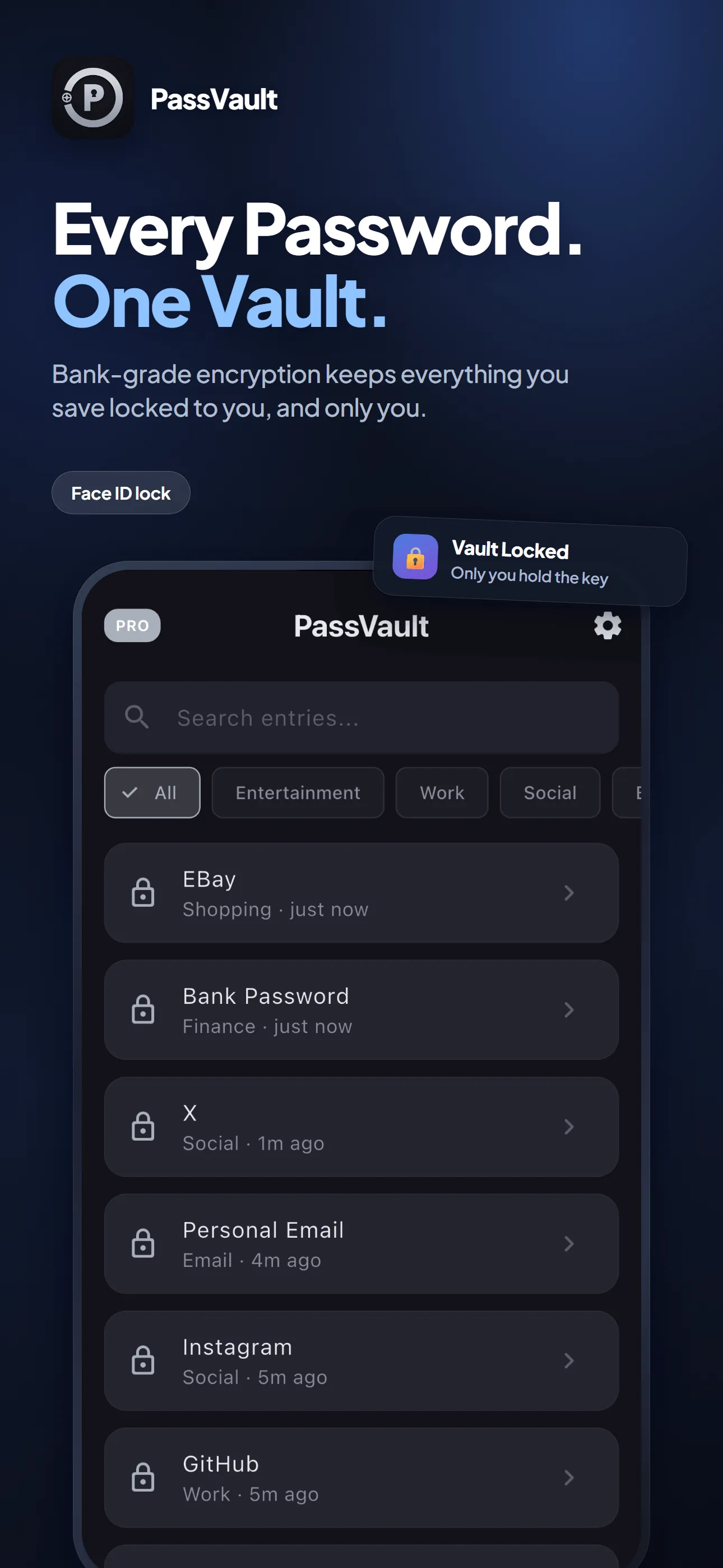
Search as you type, filter by category, and pin the handful of entries you actually open every day to the top of the list.
-
Your iCloud, still encrypted
Back the vault up to your own iCloud Drive and restore it on a new phone. It stays unreadable the entire way there and back.
-
A copy you keep
Write the whole vault out to a file and read it back in later. That file is not encrypted, so the app asks for your master password before it writes one.
-
Guessing gets you nowhere
Repeated wrong attempts seal the vault for an hour. There is no way in but the right master password.
-
Thirty languages
PassVault follows whatever language your phone is set to, from Arabic through Turkish to Vietnamese.
On the screen
What it looks like in your hand.
-
Every entry in one list, filtered by category -
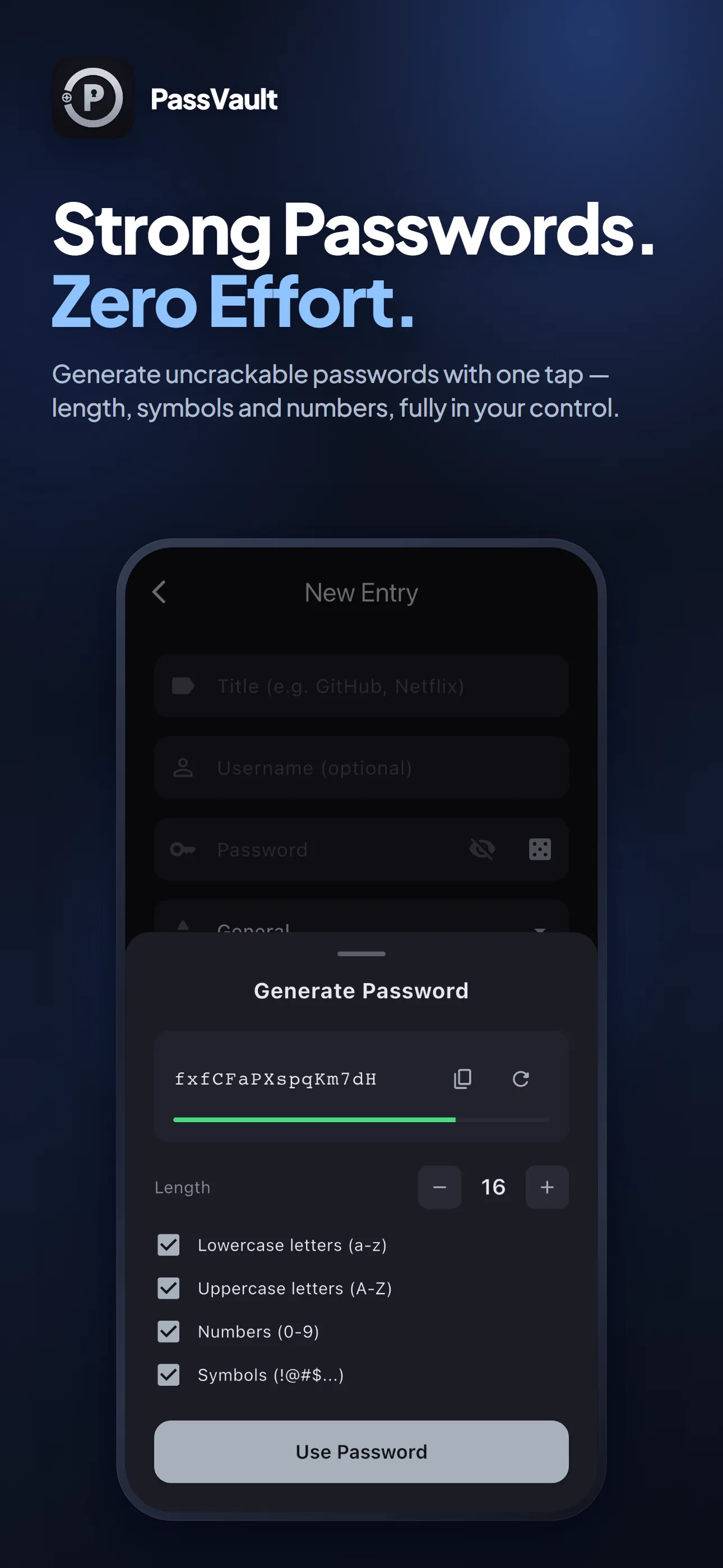
Generate a password without leaving the entry -
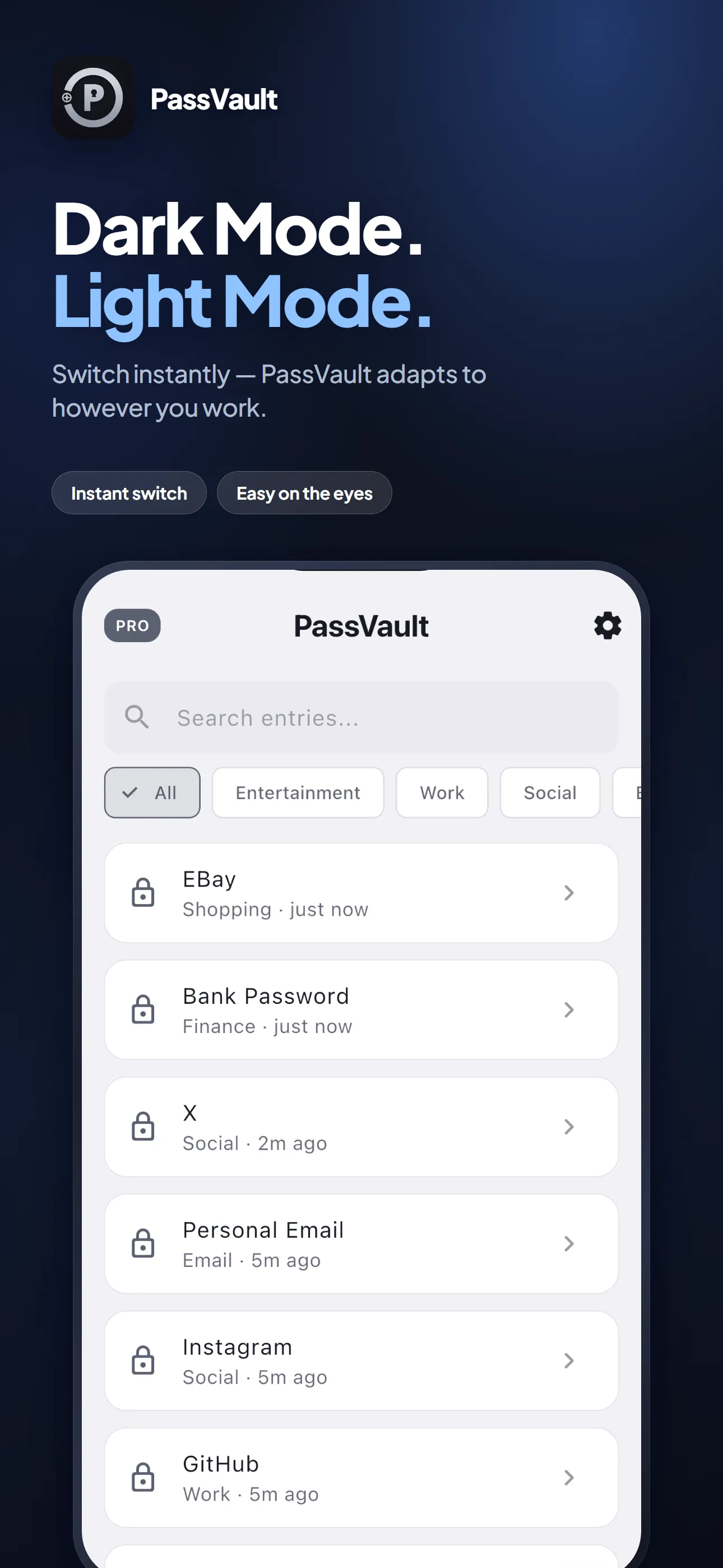
The same vault in light -
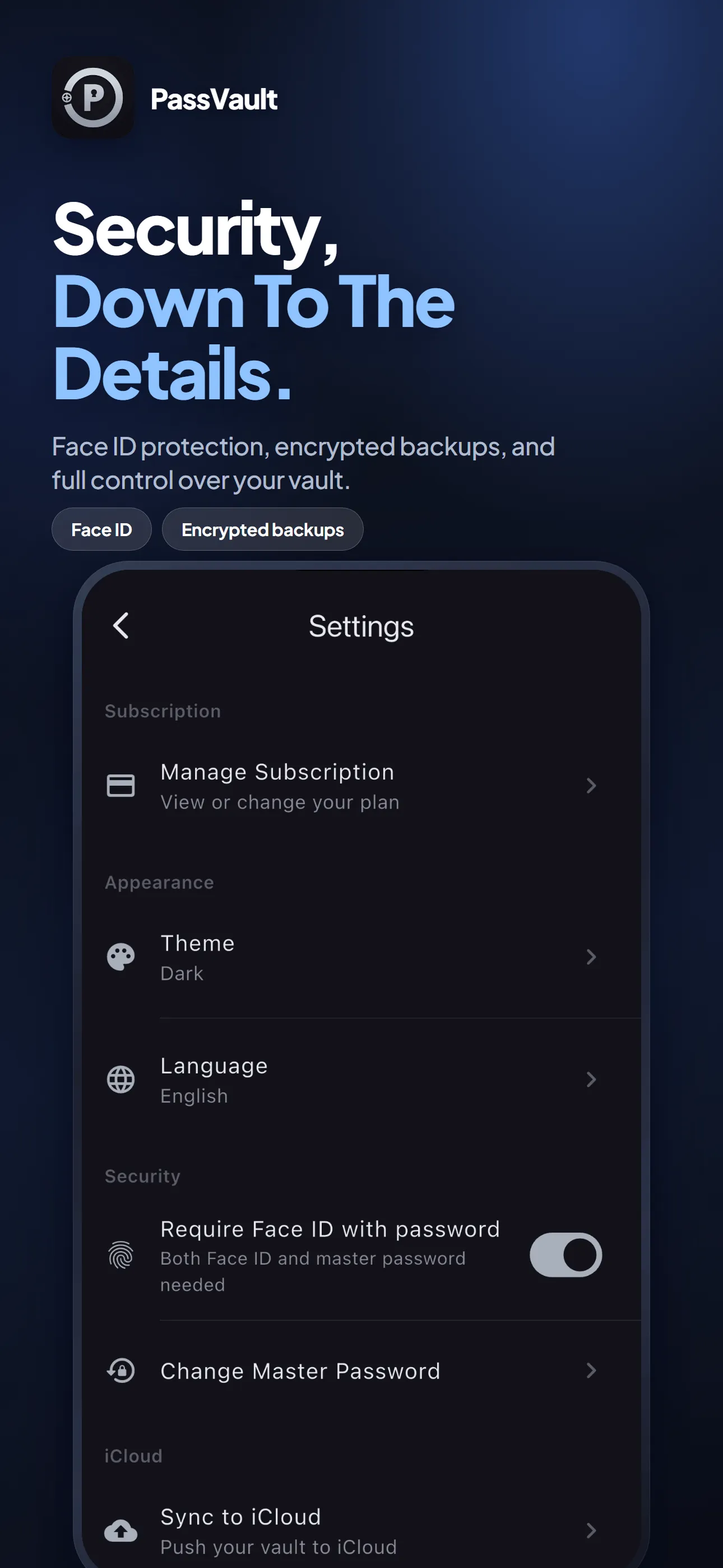
Face ID, backup and language, all in one place -
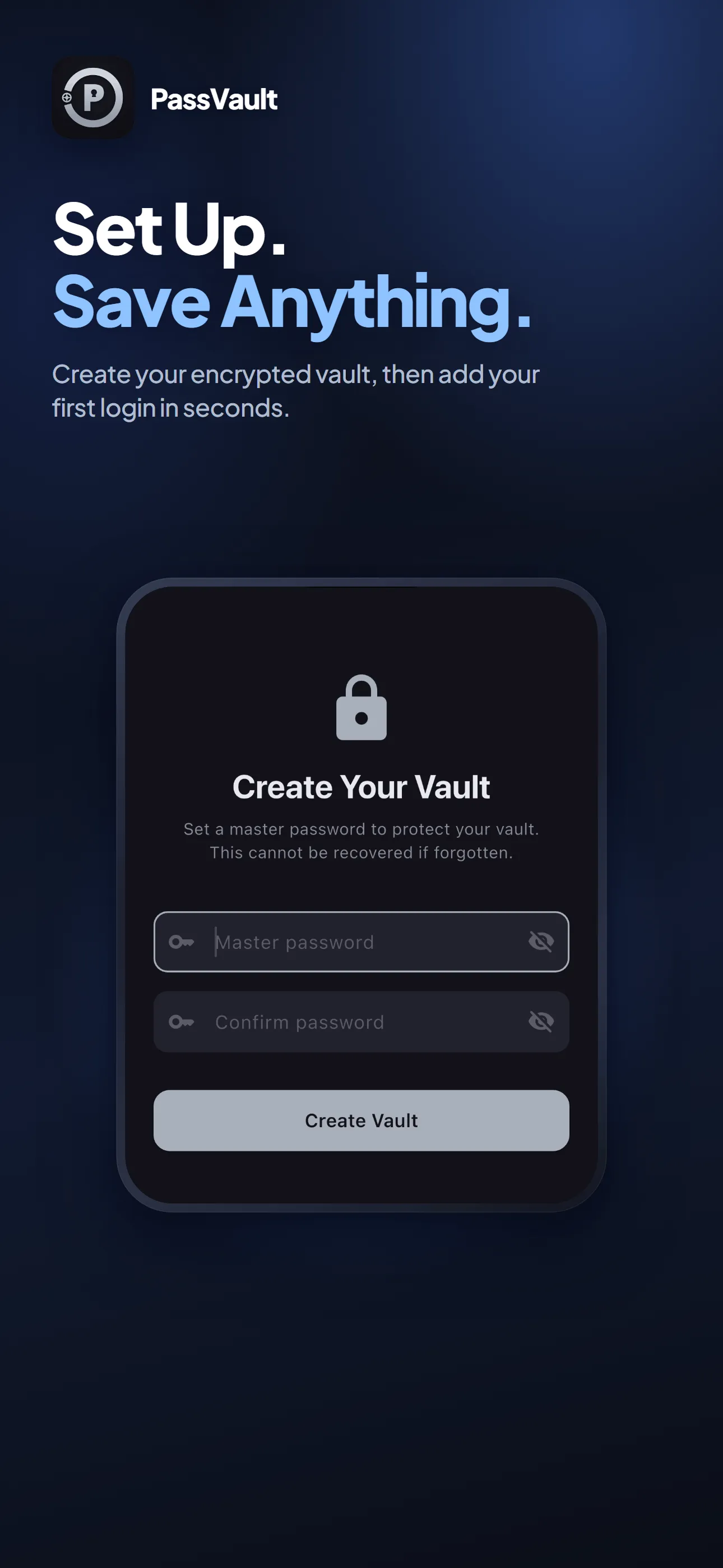
One master password creates the vault
Scroll for more →
Where your data lives
No mystery about it.
Your vault is a single encrypted file on your device, and the key never leaves it. Turn on backup and an encrypted copy goes to your own iCloud Drive — still unreadable to anyone but you. We run no server that holds any of it. The free version holds up to 8 entries and shows ads from Google AdMob; PassVault Pro removes both. Those ads and the purchase are the only things here that use the network, and nothing from inside the vault ever goes with them.
Read the PassVault privacy policyGet PassVault
On the App Store now, for iPhone and iPad. The Android version is on the way.