
OneSweep
Swipe your photo library clean
Thousands of photos, one decision at a time
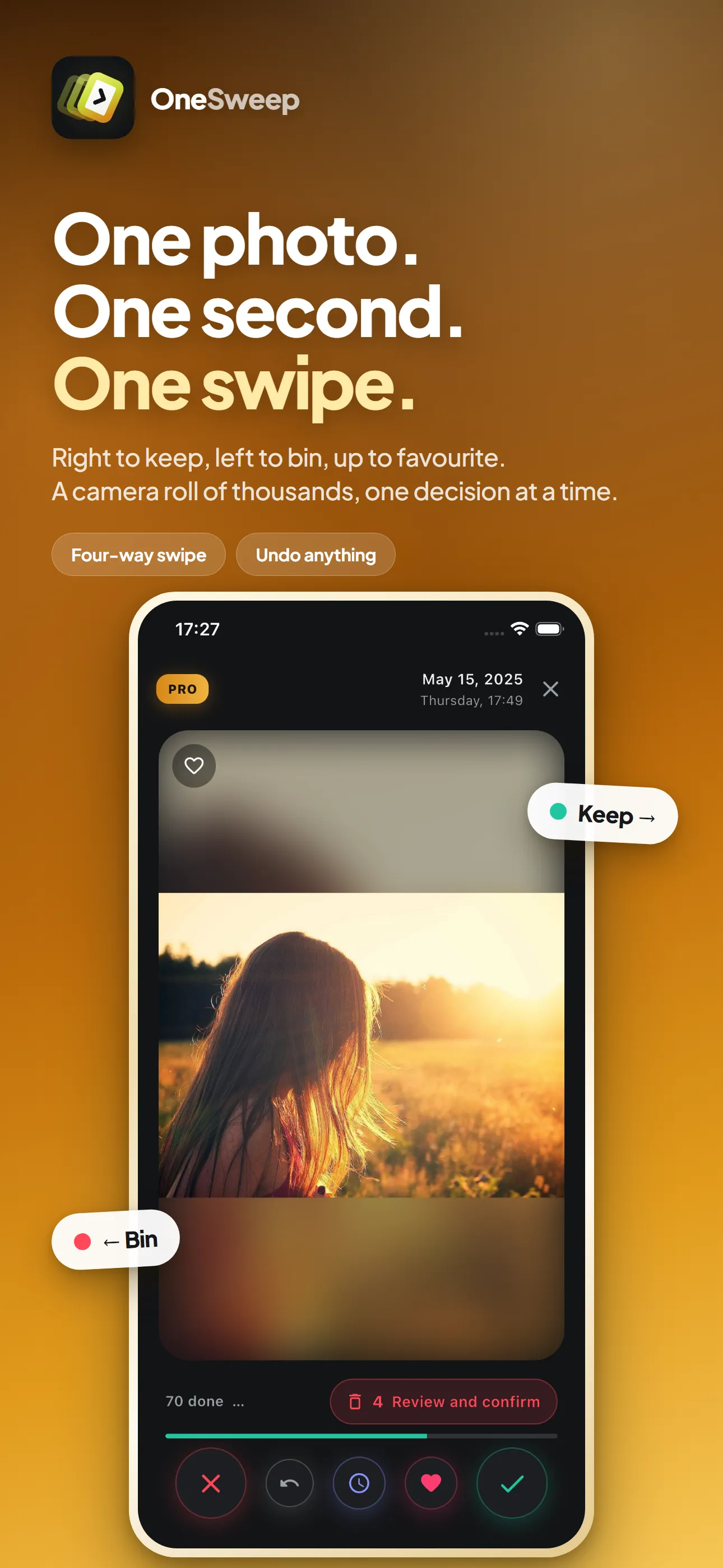
A camera roll with eleven thousand photos in it is not a gallery, it is a backlog. OneSweep hands them to you one at a time and turns the decision into a swipe — right to keep, left to trash, up to favourite, down to deal with later. Every verdict lands in your real Photos library, so a favourite you add here is a favourite everywhere. Sweep the whole roll newest first, oldest first or shuffled, narrow it to a single trip by date, and photos that live in iCloud rather than on the phone are pulled in and shown like any other.
- iPhone and iPad
- iOS 15 or later
- Finds duplicates
- Photos stay on device
What it does
Everything in the app, in plain terms.
-
One photo, four ways out
Right to keep, left to trash, up to Favorites, down to decide later. The next one is already waiting.
-
Nothing goes until you say so
Everything you swipe left collects in a review list. Take any of them back out, then delete the rest in one pass — and iOS still keeps them in Recently Deleted for 30 days.
-
Undo the last five
A swipe you did not mean is one tap back. Five decisions deep, so a bad run does not cost you anything.
-
Favourites land in Photos
Swipe up and the photo is favourited in your actual library, not in a list that only this app can see.
-
Five ways into the library
Sweep the whole roll, or go straight at one part of it: the duplicates, the shots taken seconds apart, the screenshots, or whatever other apps saved to your photos.
-
One moment, not nine photos
Shots fired off within fifteen seconds of each other are grouped as one moment, so you pick the keeper and clear the rest in a single pass. Pinch to magnify any of them before you decide.
-
Duplicates found for you
Every photo gets a fingerprint, and the ones that match are grouped so you can keep one and drop the rest. It runs in the background and needs nothing downloaded from iCloud to do it.
-
Decided once, gone from every queue
A photo you have judged never comes back, down any of the five routes — until you reset it yourself and sweep the library again.
On the screen
What it looks like in your hand.
-
Keep, bin, favourite or postpone, one swipe each -
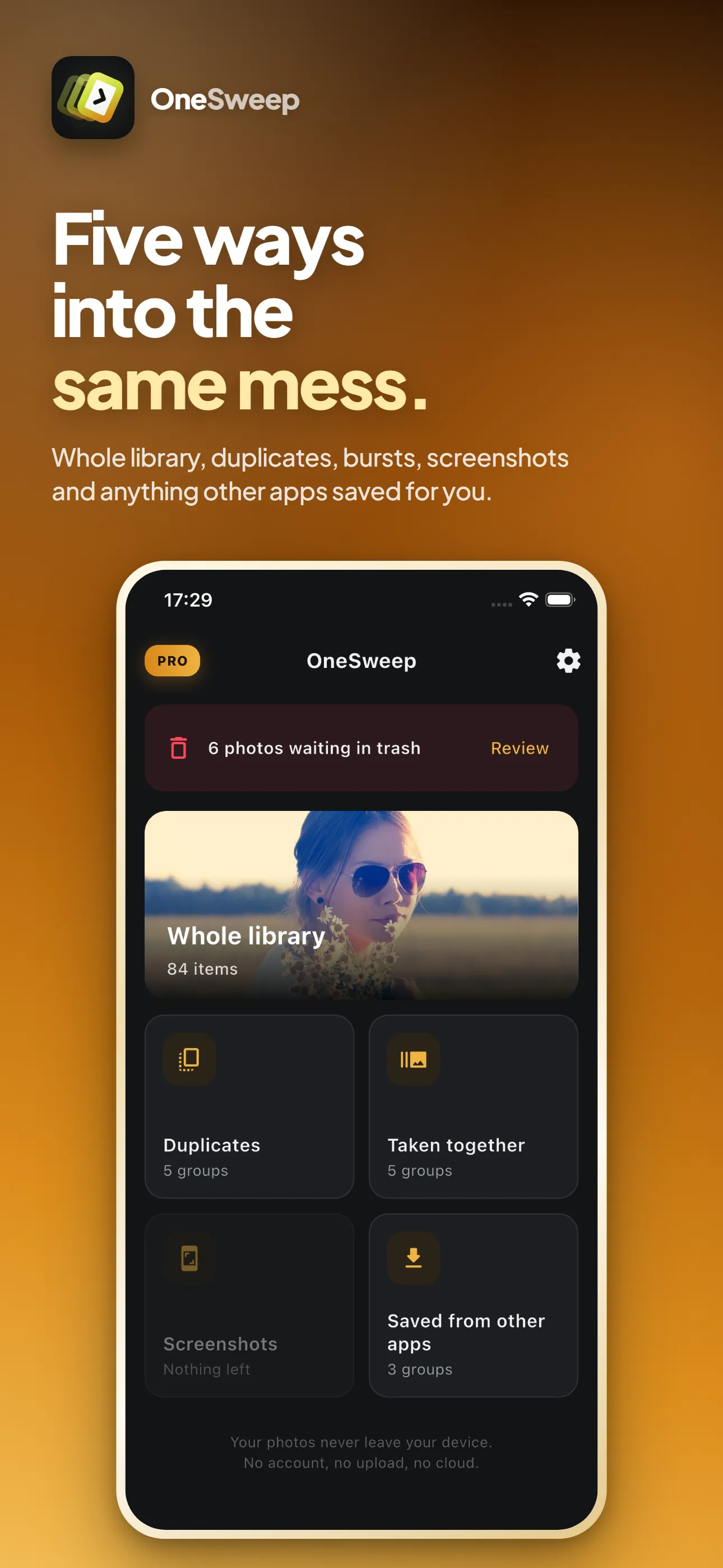
Five ways into the same camera roll -
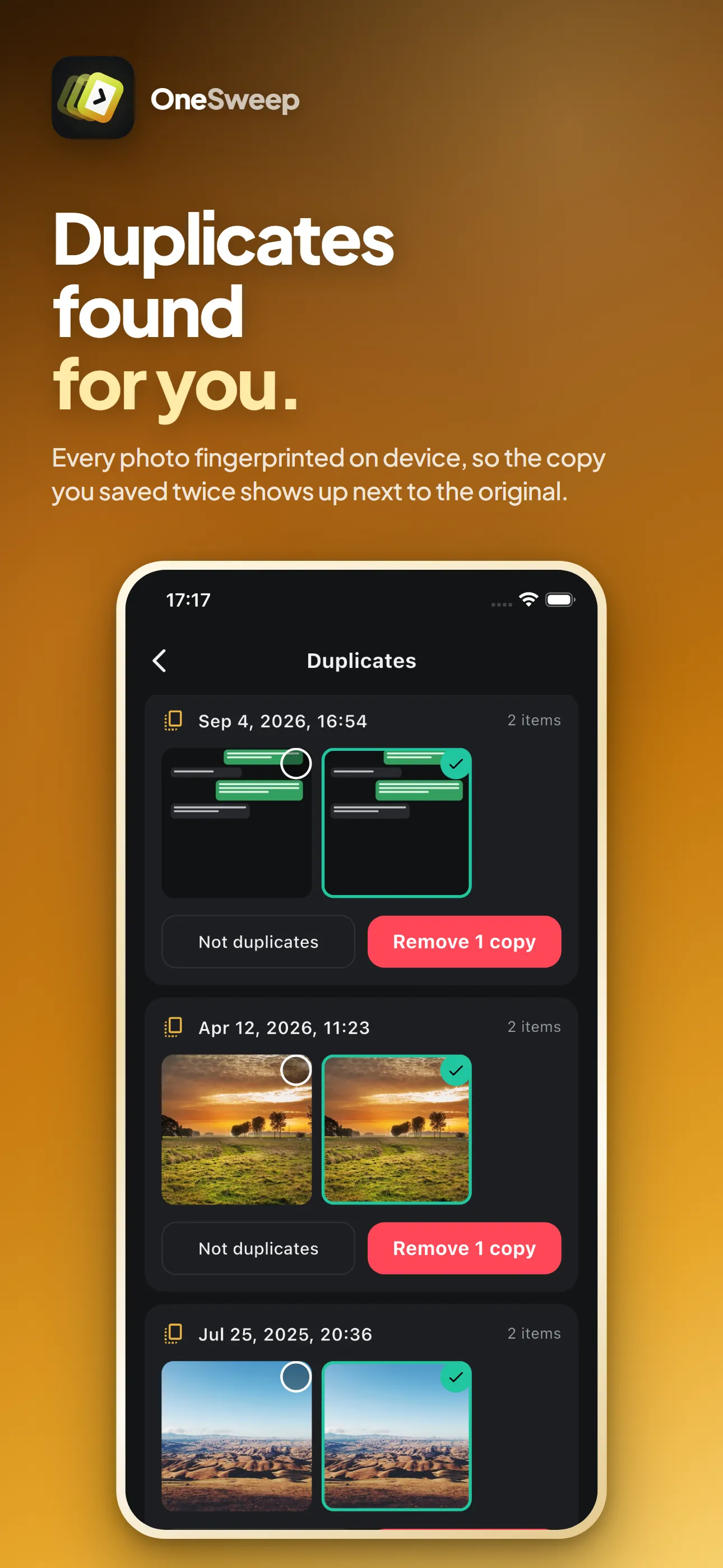
The copy you saved twice, beside the original -
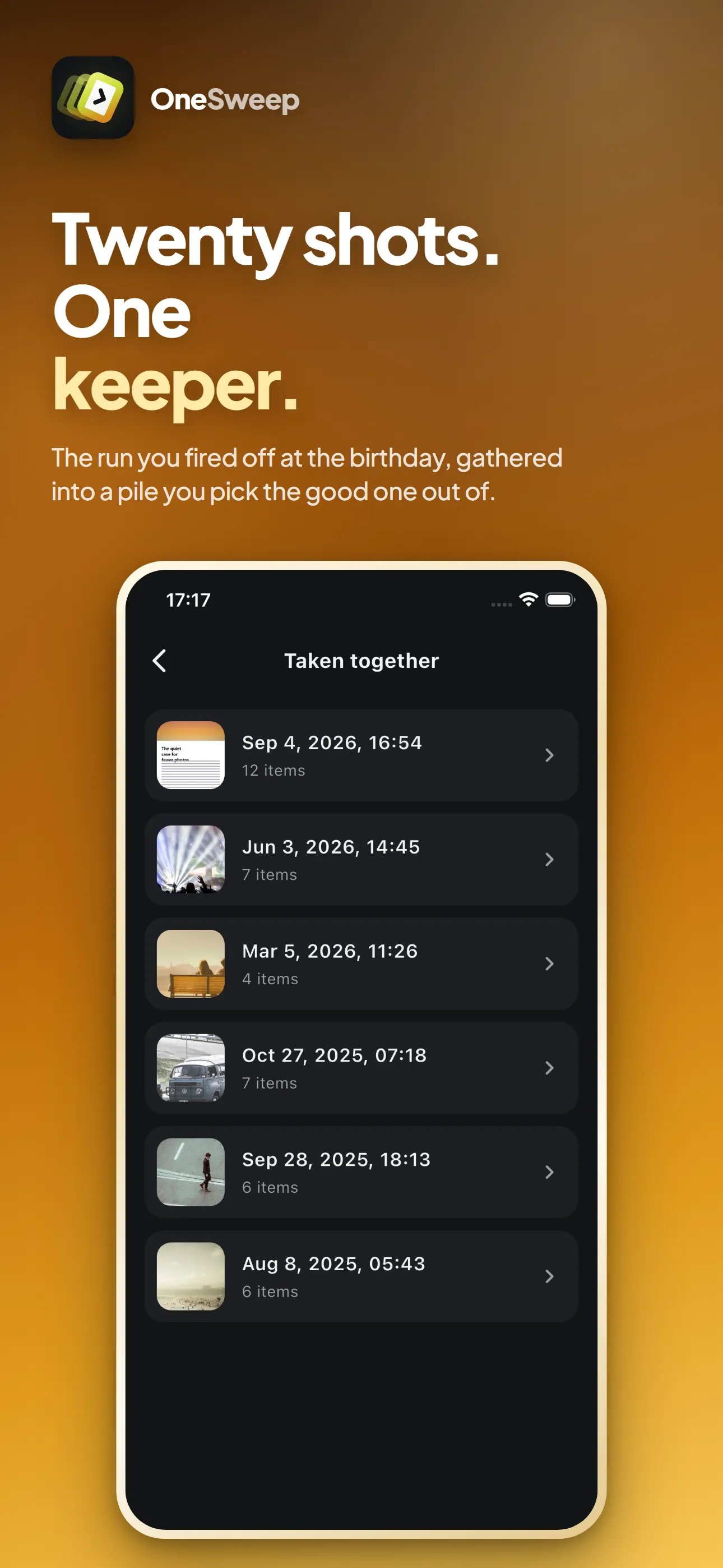
A run of shots gathered into one moment -
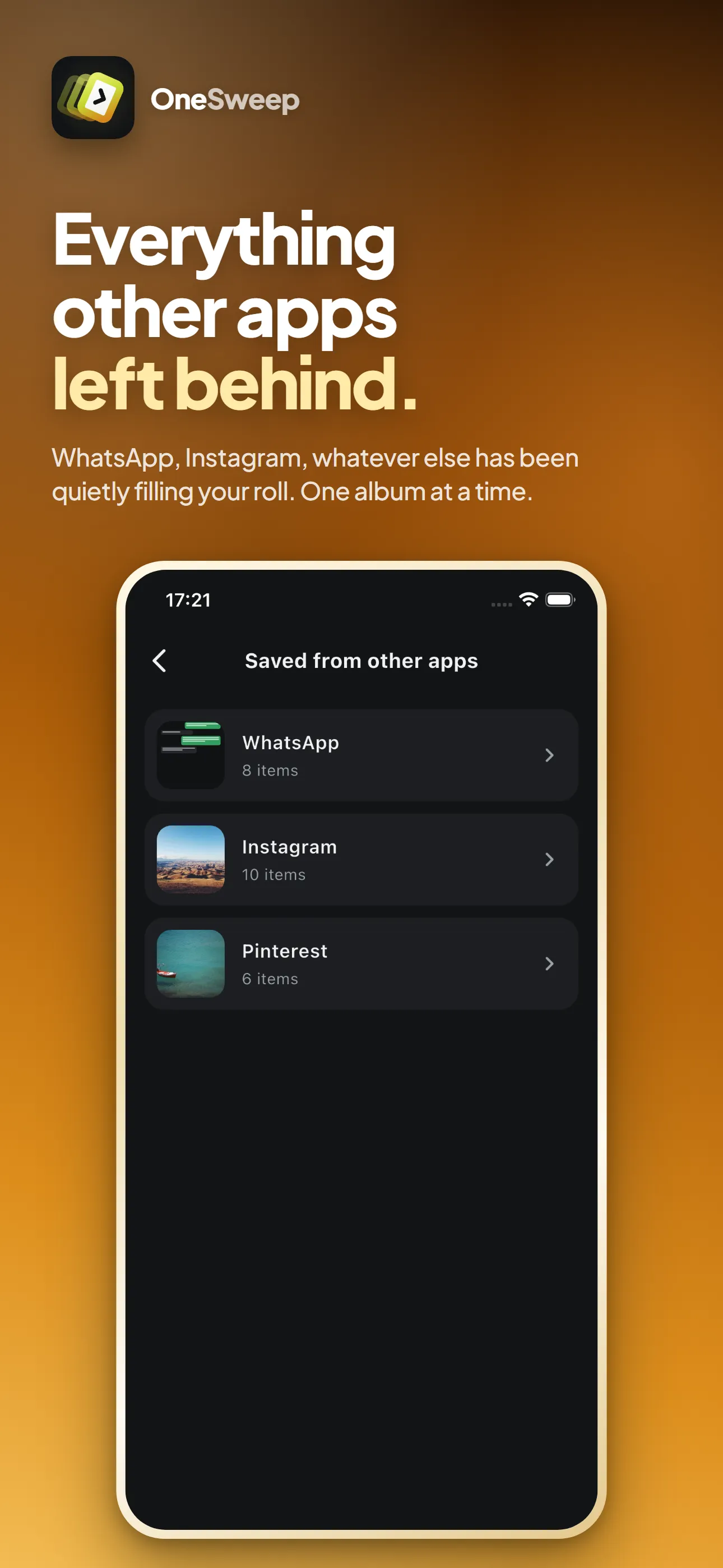
Whatever other apps left in your roll -
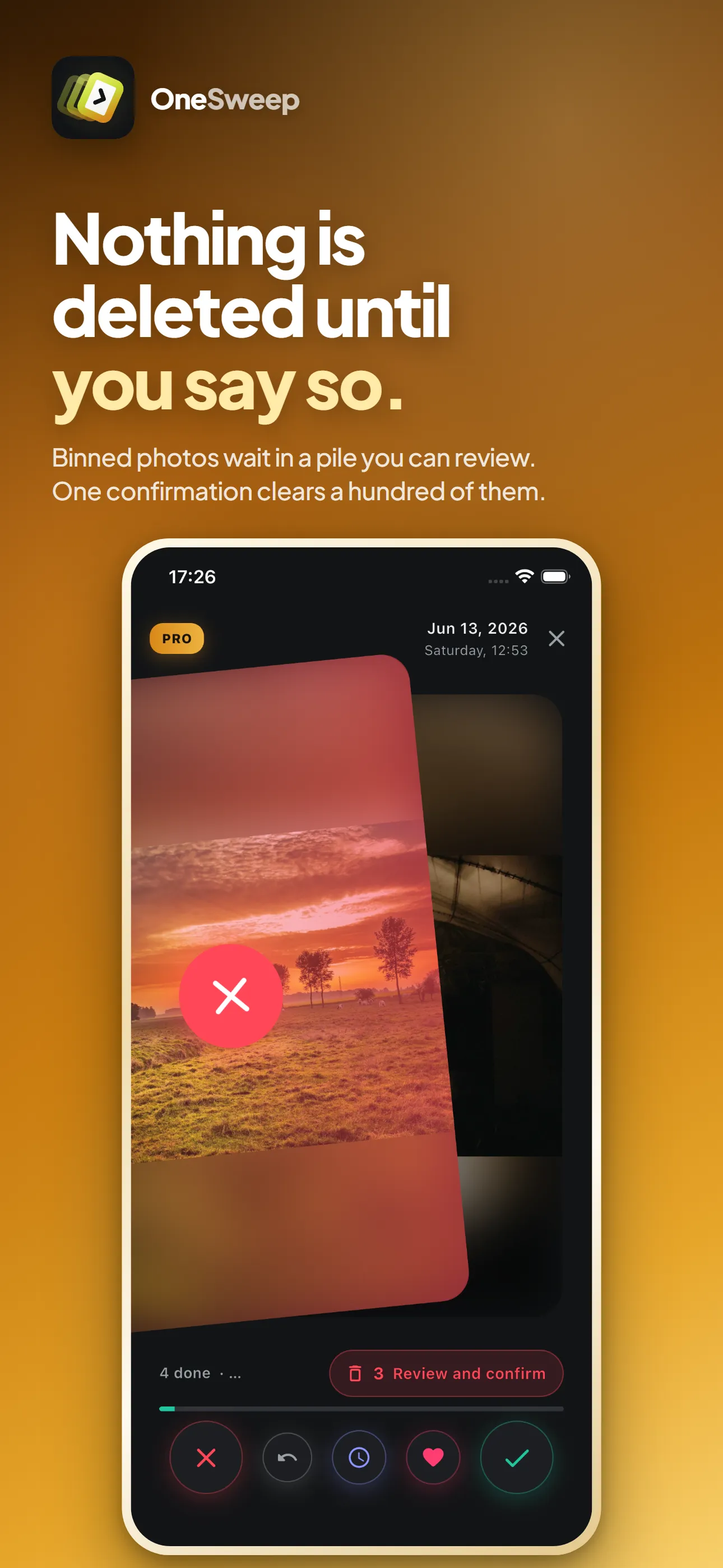
Nothing is deleted until you review the pile -
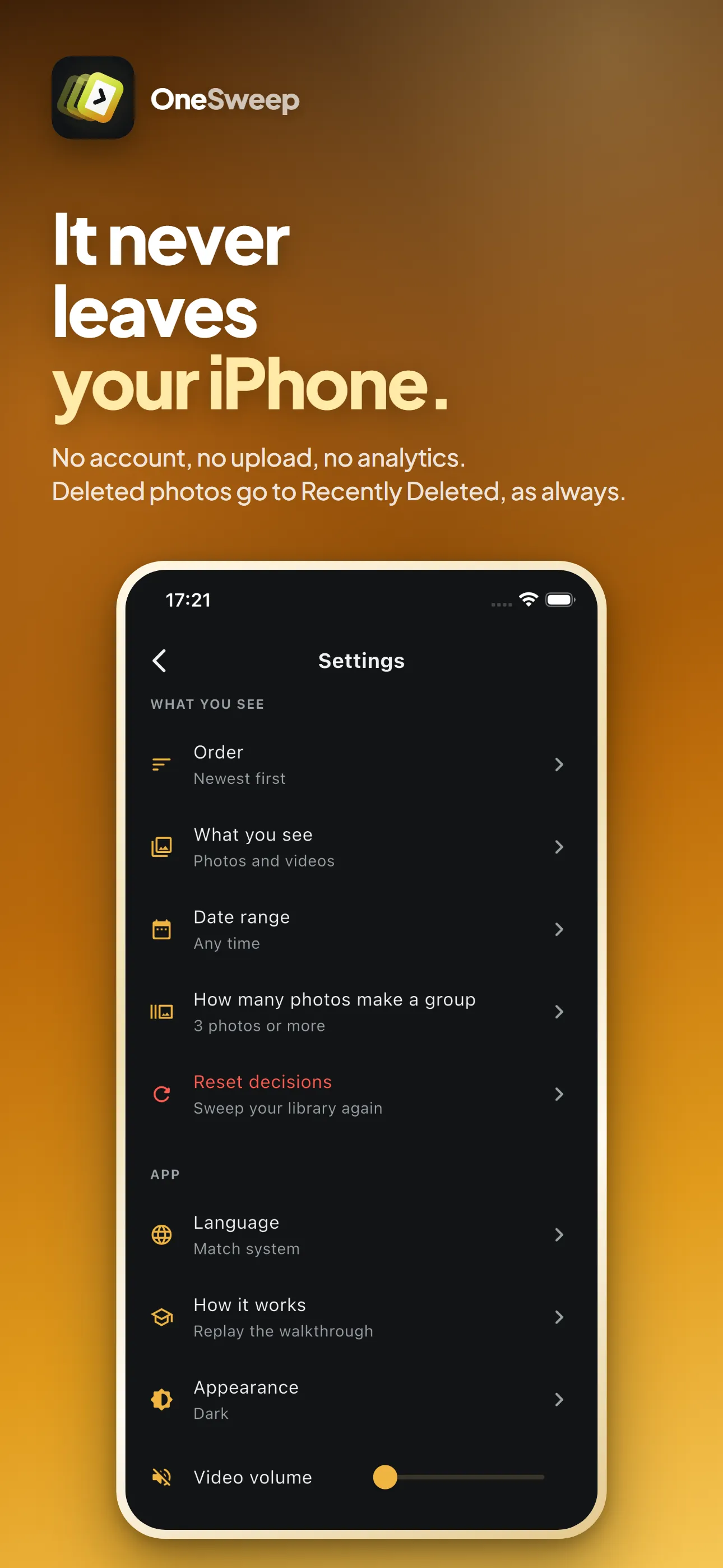
No account, no upload, nothing leaves the phone
Scroll for more →
Where your data lives
No mystery about it.
Your photos never leave your device, because there is nowhere for them to go — we run no server. OneSweep keeps two small databases on your phone: which photos you have already judged, and a 64-bit fingerprint per photo so it can spot duplicates. Neither is a copy of anything, and neither goes anywhere.
Read the OneSweep privacy policyGet OneSweep
On the App Store now, for iPhone and iPad. The Android version is on the way.